How to Register on Card Rummy – Account Setup Guide 2026
Why Register on Card Rummy?
An account is what ties your progress and wallet balance to you specifically, instead of resetting every time you open the app. Registering also unlocks the welcome bonus, lets you use the referral program, and is required before you can deposit or withdraw any money.
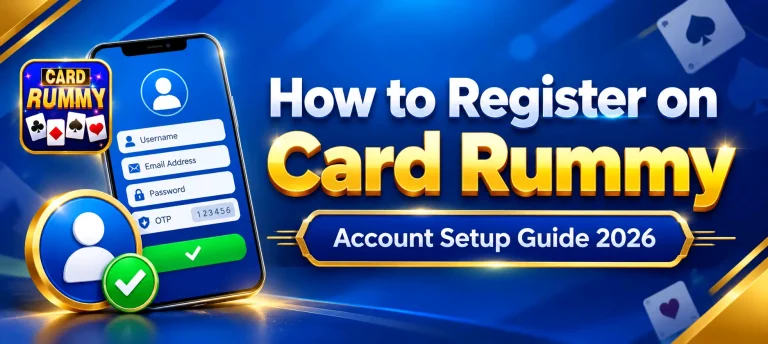
What’s Required to Sign Up
A Mobile Number
Used to verify your account with an OTP, and later to link your JazzCash or EasyPaisa wallet.
An Email Address (Optional)
Not required to register, but adding one gives you a backup way to recover your account if you ever lose access to your number.
The App Installed
Registration happens inside the app itself — grab the APK from the download page first if you haven’t already.
Step-by-Step Registration on Card Rummy
Account Security Tips
Choose a Unique Password
Avoid reusing a password from another account, especially one linked to your email or banking apps.
Never Share Your OTP
Card Rummy support will never ask for your OTP or password. Treat any request for either as a red flag.
Keep Your Number Updated
If you switch SIM cards, update your account details so you don’t lose access to OTP-based recovery.
Log Out on Shared Devices
If you ever register or log in on a borrowed phone, log out before handing it back.
Common Registration Mistakes to Avoid
- Entering the wrong mobile number and not catching it before the OTP is sent.
- Creating a second account instead of using Forgot Password when locked out of the first one.
- Using a number you don’t actually have regular access to.
- Registering on an outdated version of the app instead of the current APK from the download page.
Registration FAQs
Do I need documents to register on Card Rummy?
What if I don’t receive the OTP?
Can I register with one number and use another later?
Can I have more than one Card Rummy account?
Is there an age requirement to register?
What if registration keeps failing?
Conclusion
Registering on Card Rummy is quick by design — a mobile number, an OTP, and a password are all it takes to get an account up and running. Getting the basics right the first time saves you the hassle of account recovery down the line, so it’s worth using a number you’ll keep long-term and a password you haven’t reused elsewhere.
Once that’s done, your account is ready for the welcome bonus and your first table. If you run into trouble along the way, the issues and FAQs above cover what usually causes registration to stall.